
The Stacks
Six apps. One event. No typing data twice.
Tablets and phones on site, reading and writing the same event data as Event Base. They keep working through temporary network problems, while sign-in and payments still use the network when they need it.
Which do you need?
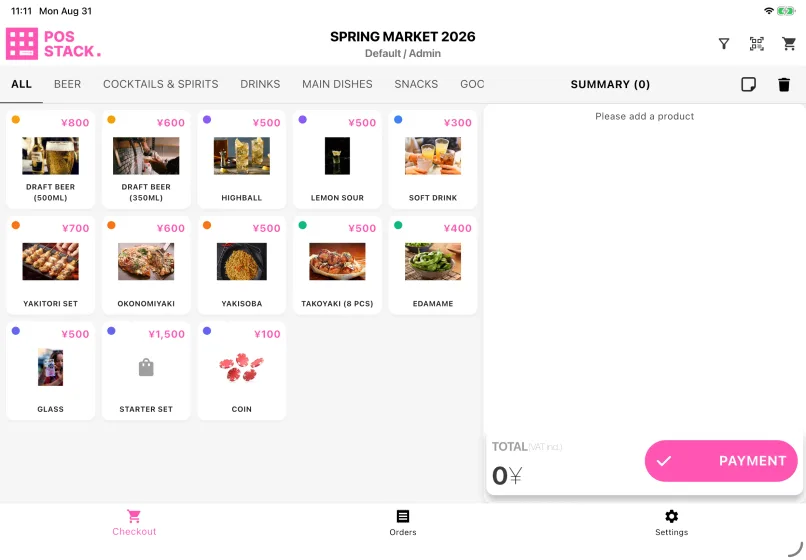
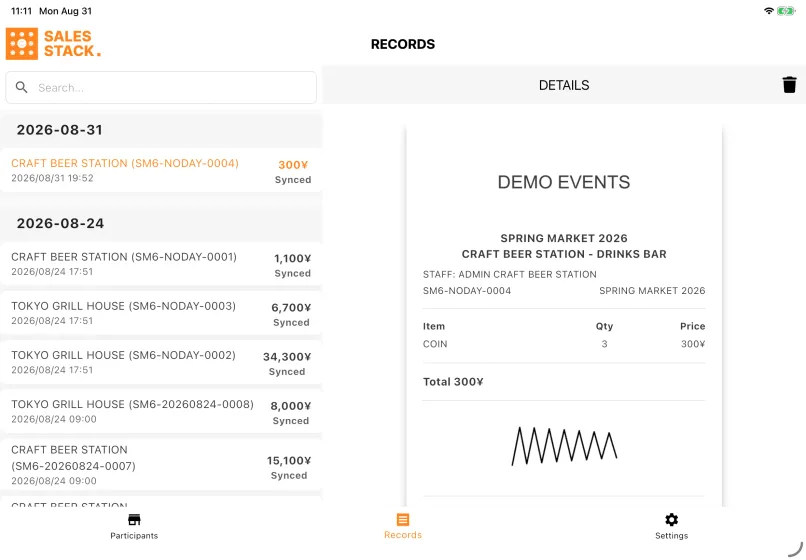
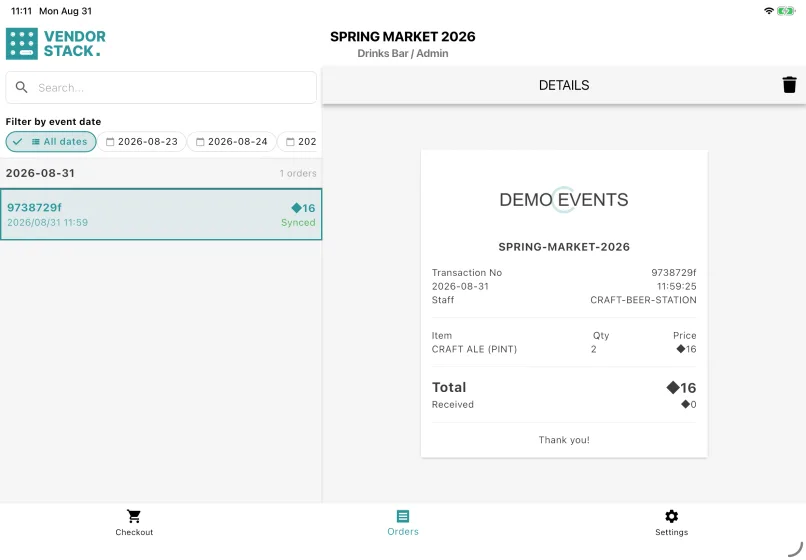
Each app does one job. Run the ones your event actually needs — POS Stack processes booth sales, Vendor Stack records sales in event currency, and Sales Stack records the revenue an exhibitor reports.


Configured in Event Base, run on the device
Set up the event, the booths and the gates once in Event Base. Each device signs in, is assigned to its booth or gate, and syncs. Work is written to the device first and uploaded afterwards, so a booth or gate can continue through a network outage.
Sign-in and the first event load both need a connection — do them before the event opens, not while staff are serving attendees. After that, card and QR payment still need the payment service to answer. Everything else continues: you keep recording your own work, but you stop seeing updates from other booths or gates until the connection returns.
Built around an iPad on a stand
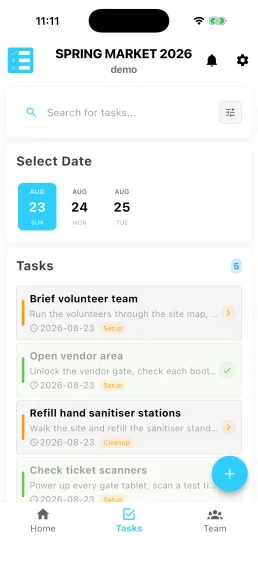
Most screens are designed for a tablet at a fixed position — large enough to read across a counter, stable enough to leave running all day. iPhones and Android tablets run the apps too, with tighter layouts, so use a phone as a backup rather than the main device. Task Stack is the exception: it is meant to be carried, because staff use it while walking the site.
Pushed to your tablets by your device management. Nothing for staff to install.
Questions we get asked
- Which of the six apps do we need?
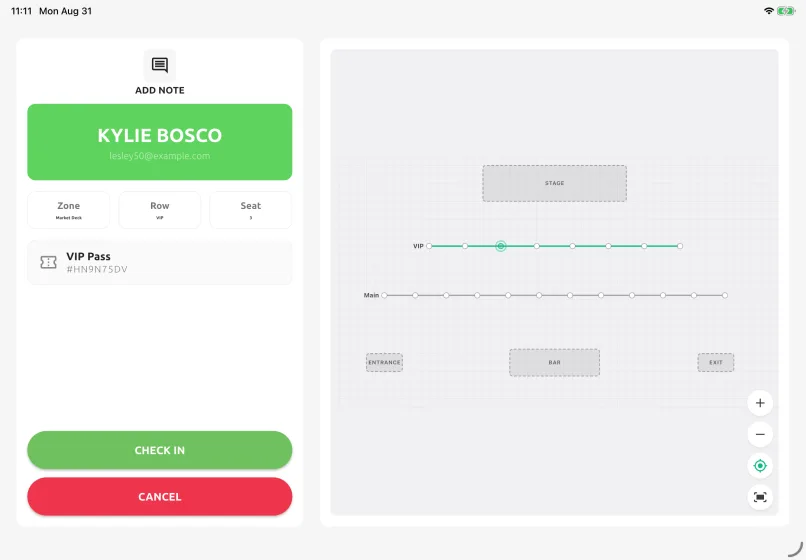
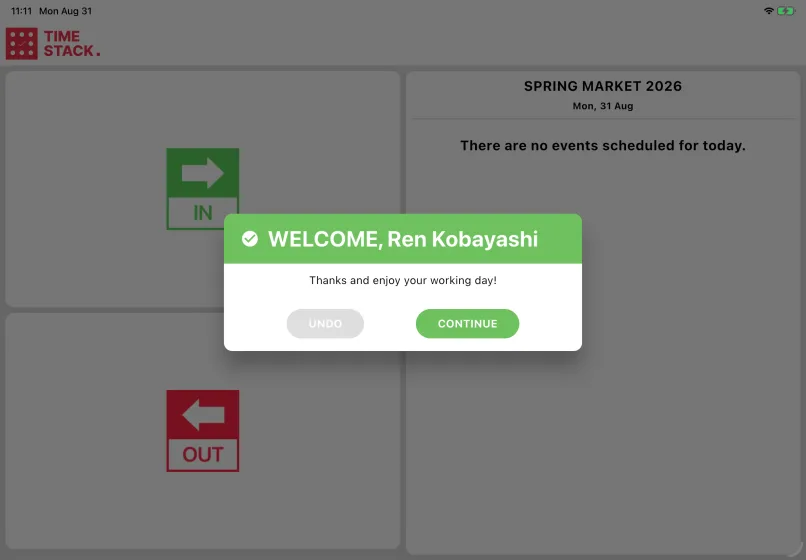
- As many as your event has jobs for. POS Stack sells products and records payment; Access Stack scans tickets at the gate; Sales Stack records the revenue an exhibitor reports in event currency; Vendor Stack records booth sales in coins or tokens; Task Stack is the shared job list; Time Stack clocks staff in and out.
- Do the apps work without a network?
- Once an event is loaded, yes — scans and sales are recorded on the device and sent when the connection returns. Signing in, the first event load and changing event all need a connection, and so do card and QR payments.
- What hardware do we have to buy?
- Usually none beyond tablets you already have. Add a Brother label printer if you print badges at check-in or from the staff clock, a receipt printer if a booth issues printed receipts, and a handheld barcode scanner if a gate queue will move faster with a scanner than with the tablet camera.
- How are the apps installed?
- Through your device management, not from an app store. They are pushed to enrolled tablets centrally, so from the device's point of view the app simply appears — there is nothing for somebody working a shift to install.
- iOS or Android?
- Both run, but the apps are built around an iPad on a stand and that is what we would put at a fixed position. Phones and Android tablets have tighter layouts — good as a spare, and the right shape for Task Stack, which is meant to be carried.
Tell us what happens on your event day
We will work out which apps you need — and which you do not.